Food Processing PLC Memory Diagnostic Tool
Select the symptom you are experiencing on your factory floor to identify whether the issue stems from permanent firmware (ROM) or temporary operational data (RAM).
Recommended Action:
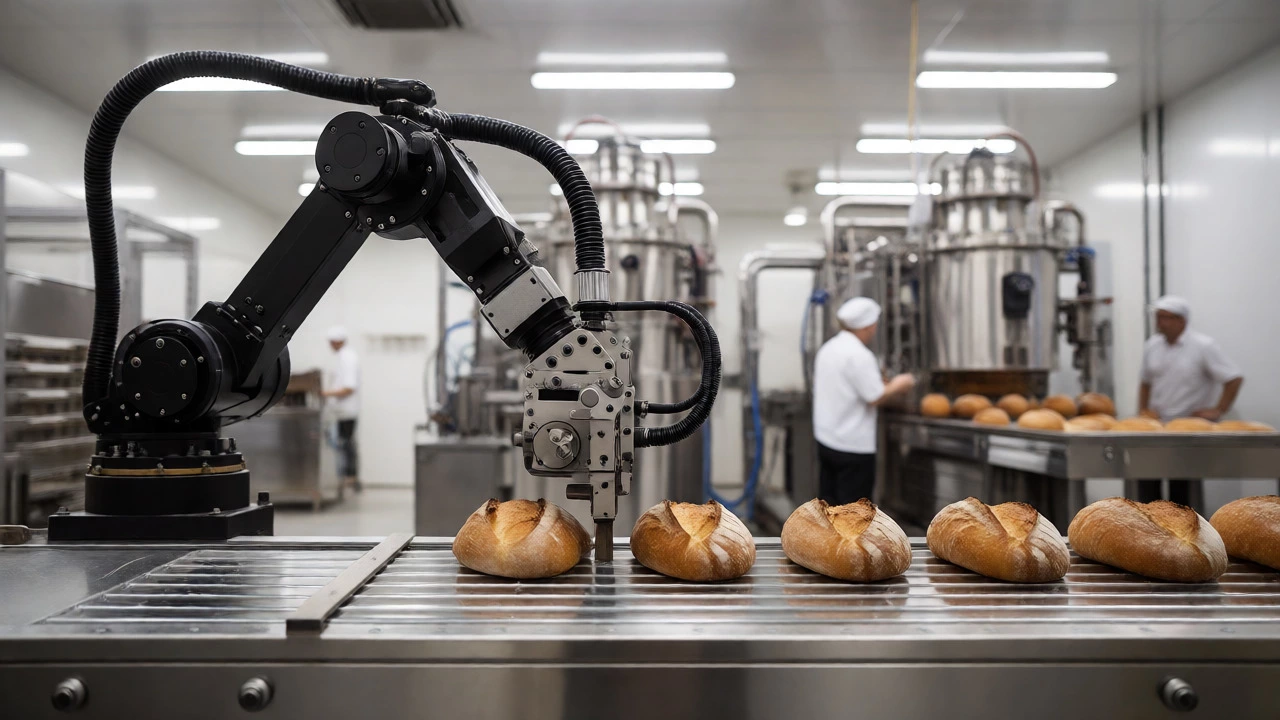
You’re standing on the factory floor of a bustling Sydney bakery or a packaged foods plant. The conveyor belt is humming, sensors are blinking, and a robotic arm is precisely slicing sourdough loaves. You glance at the control panel, expecting to see familiar computer terms like ROM and RAM. But here’s the twist: in the world of industrial machinery and food processing units, these acronyms don’t mean what you think they do when you buy a laptop.
If you search for "difference between ROM and ROM," you might hit a typo trap, but the real question haunting many plant managers and engineers is actually about the difference between Read-Only Memory (ROM) and Random Access Memory (RAM) within Programmable Logic Controllers (PLCs) and Human-Machine Interfaces (HMIs). Or, perhaps more commonly in the food industry, it’s a confusion with Roller Oil Mill versus other extraction methods. Given the context of "food processing units," let’s clear up the most likely technical confusion: how memory types in your automation systems dictate production efficiency, safety, and downtime.
| Feature | ROM (Read-Only Memory) | RAM (Random Access Memory) |
|---|---|---|
| Primary Function | Stores permanent firmware, boot instructions, and critical safety protocols. | Stores temporary data, current batch variables, and real-time sensor readings. |
| Data Persistence | Non-volatile. Data remains after power loss. | Volatile. Data is lost immediately upon power failure unless backed up. |
| Speed | Slower read speeds; used for static code. | Extremely fast read/write speeds for active processes. |
| Food Safety Impact | Ensures HACCP logs and recipe constants aren't accidentally altered. | Allows rapid adjustment of temperature/timing during live batches. |
| Maintenance Risk | Low risk of corruption; rarely needs replacement. | Higher risk of data loss during power surges; requires UPS backup. |
The Technical Reality: Why Your PLC Needs Both
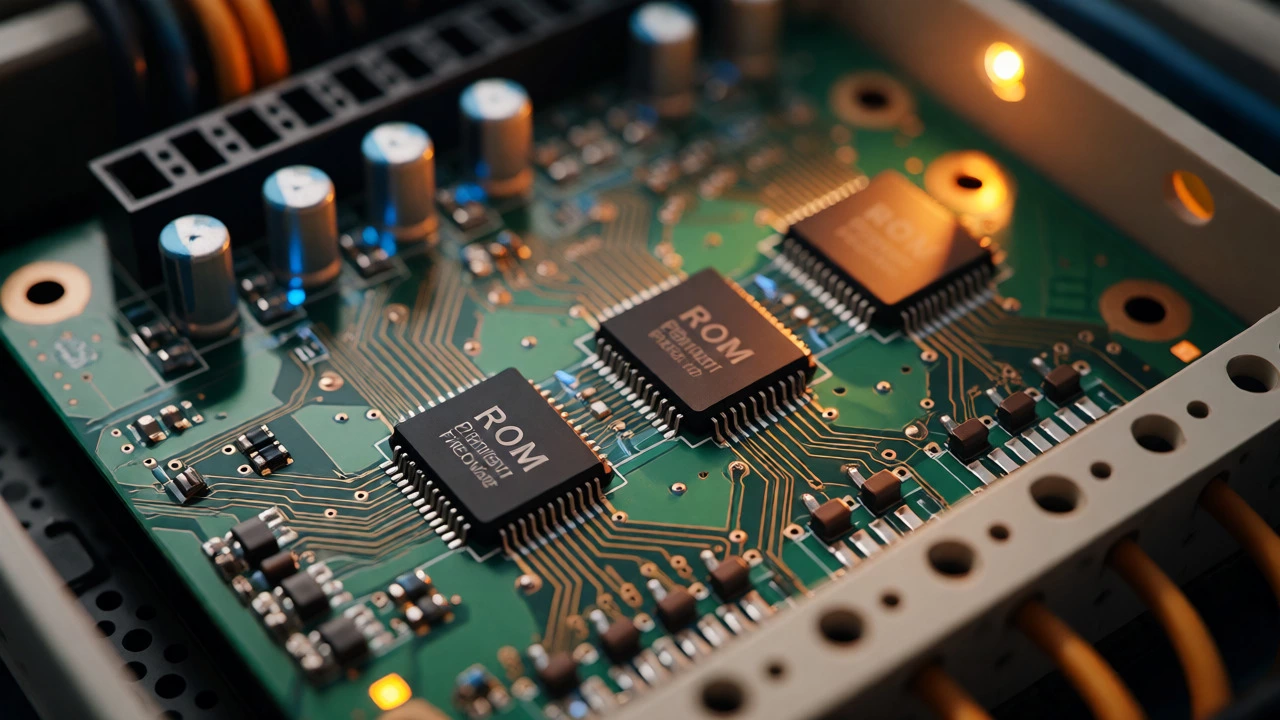
Most modern food processing lines run on Programmable Logic Controllers (digital computers used for automation of electromechanical processes). These controllers are the brains behind your pasteurizers, fillers, and packaging machines. Inside every PLC, there is a delicate balance between ROM and RAM.
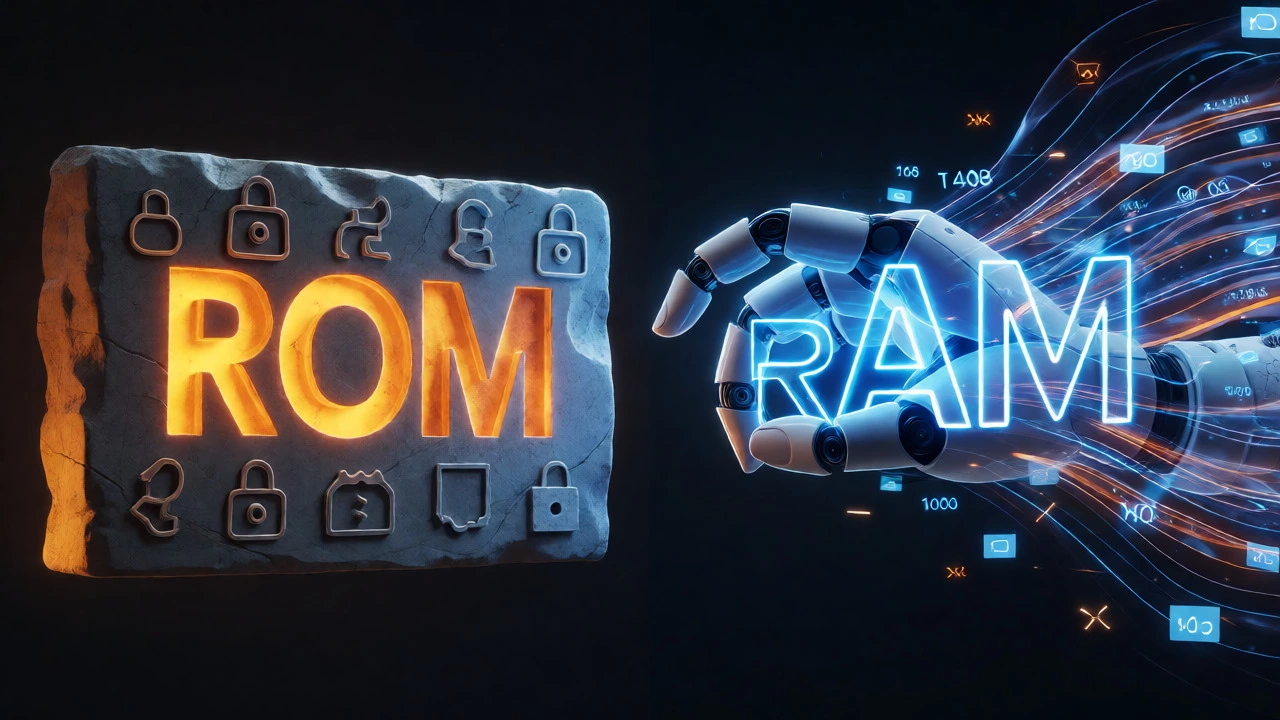
Think of ROM as the immutable rulebook. It contains the operating system of the controller and the core logic that never changes unless you reprogram the machine entirely. For example, the safety interlock that stops a blender if the lid isn't locked is stored in ROM. You can’t accidentally overwrite this during a shift change. This stability is crucial for compliance with standards set by bodies like Food Standards Australia New Zealand (FSANZ).
In contrast, RAM is volatile memory used for storing currently executing programs and data. When your oven is baking a specific batch of cookies, the current temperature, the timer count, and the number of loaves produced are all held in RAM. If the power goes out in your Sydney facility without an Uninterruptible Power Supply (UPS), that specific batch data vanishes. However, once the power returns, the ROM ensures the machine boots up correctly and resumes operation based on its permanent instructions.
Common Misconceptions: Is "ROM" Actually "Roller Oil Mill"?
There is a niche possibility that you meant Roller Oil Mill (equipment used to crush oilseeds to extract oil) when you typed ROM. In edible oil processing, comparing different mill types is common. A Roller Oil Mill uses mechanical pressure to squeeze oil from seeds like sunflower or soybean. It differs significantly from solvent extraction methods.
If this was your intent, the "difference" lies in yield versus purity. Roller mills produce higher-quality, less processed oil suitable for premium cooking products but have lower extraction rates (typically 60-70%). Solvent extraction gets over 95% of the oil but leaves chemical residues requiring further refining. However, given the phrasing "ROM and ROM," the memory comparison in automation is the far more frequent point of confusion for operators dealing with digital interfaces.
Why Memory Type Matters for Food Safety Compliance
Auditors love traceability. When a health inspector asks why a specific batch of milk was discarded, you need data. Here is where the distinction becomes practical:
- Recipe Integrity: Your core recipes (e.g., "Pasteurize at 72°C for 15 seconds") are stored in non-volatile memory (often EEPROM, a type of ROM). This prevents unauthorized staff from changing safety-critical parameters.
- Real-Time Logging: Sensor deviations are written to RAM buffers before being flushed to long-term storage. If your RAM is too small, high-frequency sensor data (like vibration analysis on a motor) might be dropped, hiding early signs of equipment failure.
- Firmware Updates: Updating the ROM (firmware) of a packaging machine can add new features, such as better barcode scanning algorithms. But you must ensure the update doesn't corrupt existing configurations stored in separate memory banks.
Troubleshooting Memory Issues in Processing Units
So, what happens when things go wrong? Understanding the hardware helps you diagnose problems faster.
Symptom: The machine resets to default settings after a power outage.
Cause: Likely a battery failure in the RAM backup circuit. Many PLCs use a small coin-cell battery to keep RAM alive during brief power dips. If the battery dies, volatile data is lost, and the machine may revert to safe defaults stored in ROM, halting production until recalibrated.
Symptom: The interface freezes or lags.
Cause: RAM overflow. If your HMI (Human-Machine Interface) is trying to log too much historical data into active memory, it slows down. Solution? Increase RAM capacity or configure the system to archive older logs to external SD cards or cloud servers.
Symptom: Error codes appear randomly.
Cause: Corrupted ROM. Rare, but possible due to electrical spikes. This usually requires a professional service technician to re-flash the firmware using specialized tools.
Best Practices for Managing Automation Memory
To keep your food processing line running smoothly, follow these guidelines:
- Regular Backups: Even though ROM is "read-only," always back up your configuration files. If a board fails, replacing it means reloading everything from scratch.
- UPS Installation: Never rely solely on grid power. A proper UPS protects your RAM contents during flickers, preventing batch losses.
- Dust Control: Food processing environments are dusty (flour, sugar powder). Dust can cause short circuits on memory chips. Ensure your control cabinets are sealed (IP65 rated or higher).
- Version Control: Label your firmware versions clearly. Knowing whether you are running v1.2 or v1.3 of the ROM software helps when troubleshooting vendor support tickets.
The Future: Cloud Connectivity and Edge Computing
Modern food factories are moving toward Industry 4.0. This means your local PLCs (with their ROM/RAM) are now talking to cloud servers. While local ROM still handles immediate safety responses (latency matters!), RAM data is increasingly streamed to the cloud for predictive maintenance analytics. This hybrid approach ensures that even if your local memory fills up, critical operational insights are preserved off-site.
Can I upgrade the RAM in my food processing PLC?
In many modern modular PLCs, yes. Some manufacturers offer expansion modules that increase memory capacity. However, in embedded systems found in smaller appliances, the RAM is often soldered onto the motherboard and cannot be upgraded. Always check the manufacturer's datasheet before attempting modifications.
What happens if the ROM battery dies?
If the backup battery fails, the PLC will lose any data stored in volatile RAM during a power outage. Upon restart, it may display a "memory loss" error and require you to reload your user program and parameter settings. The ROM itself (firmware) remains intact, so the machine won't be bricked, just reset.
Is ROM faster than RAM?
No. RAM is significantly faster than ROM. This is why active processes run in RAM. ROM is slower because it is designed for durability and permanence rather than speed. Writing to ROM (if allowed via EEPROM) is also much slower than writing to RAM.
How does dust affect memory components?
Conductive dust (like metal shavings or carbon) or hygroscopic dust (like salt or sugar) can cause corrosion or short circuits on the PCB traces connecting the memory chips. Regular cleaning of control cabinets and maintaining positive air pressure inside enclosures helps prevent this.
Do I need different memory types for different machines?
Generally, no. Most industrial automation controllers use similar architectures (Flash ROM for firmware, SRAM/DRAM for working memory). The difference lies in capacity and speed ratings tailored to the complexity of the task. A simple conveyor motor needs less RAM than a complex multi-axis robot arm.